
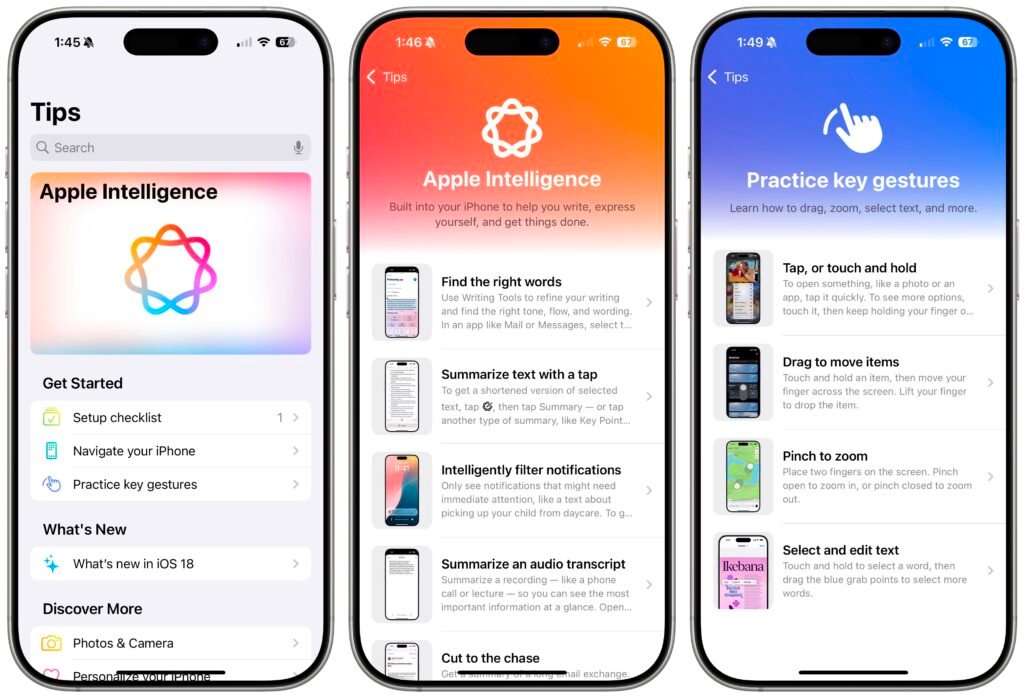
The iPhone is packed with powerful features, many of which remain hidden to everyday users. While most people know how to make calls, browse the internet, and take photos, there are dozens of lesser-known tools that can significantly improve productivity, privacy, and convenience. Exploring useful resources such as https://theapplecollection.com/c/iphone-tips/243 can help users uncover even more ways to maximize their device.
Whether you own the latest iPhone model or an older version, learning these hidden tricks can transform the way you use your smartphone. Below are some little-known iPhone tips that can help you get more out of your device every day.
Customize the Back Tap Feature
One of the most useful hidden features on modern iPhones is Back Tap. This accessibility tool allows users to perform actions simply by tapping the back of the device.
How to Enable Back Tap
Go to:
Settings > Accessibility > Touch > Back Tap
You can assign actions for double-tap and triple-tap gestures.
Useful Back Tap Actions
- Take screenshots instantly.
- Open the camera.
- Activate Siri.
- Turn on the flashlight.
- Launch specific shortcuts.
This feature saves time and reduces the need to navigate through multiple menus.
Use Text Replacement to Save Time
Typing the same phrases repeatedly can become frustrating. The Text Replacement feature lets you create shortcuts for frequently used text.
Setting Up Text Replacement
Navigate to:
Settings > General > Keyboard > Text Replacement
For example:
- Shortcut: “omw”
- Phrase: “On my way!”
You can create shortcuts for:
- Email addresses
- Phone numbers
- Business responses
- Frequently used messages
Many experts sharing iPhone tips recommend this feature for improving daily efficiency.
Scan Documents Directly from Notes
Most users download separate scanning apps without realizing that the built-in Notes app can scan documents.
How to Scan Documents
- Open the Notes app.
- Create a new note.
- Tap the camera icon.
- Select “Scan Documents.”
The iPhone automatically detects edges and captures clear scans of receipts, contracts, and paperwork.
Benefits include:
- No third-party apps required.
- Automatic cropping.
- Easy PDF sharing.
- Cloud synchronization via iCloud.
Quickly Select Multiple Photos
Deleting or organizing photos one by one is tedious.
Faster Photo Selection Method
Open the Photos app and:
- Tap “Select.”
- Drag your finger across multiple images.
You can also drag downward while holding your finger to select hundreds of photos quickly.
This hidden trick makes photo management significantly easier.
Use Hidden Trackpad Mode
Editing text on a touchscreen can be difficult. Fortunately, iPhones include a hidden trackpad.
Activating Trackpad Mode
Press and hold the space bar on the keyboard until the keys disappear.
You can then move the cursor precisely across text.
This feature is especially useful when:
- Editing emails.
- Correcting typos.
- Writing long documents.
- Managing notes.
Among popular iPhone tips, this remains one of the most practical.
Automatically Close Safari Tabs
Many users accumulate dozens or even hundreds of open Safari tabs.
Set Safari to Close Tabs Automatically
Go to:
Settings > Apps > Safari > Close Tabs
Choose:
- After One Day
- After One Week
- After One Month
Automatic tab closure keeps Safari organized and improves browser performance.
Identify Songs Without Installing Apps
Your iPhone includes built-in music recognition powered by Shazam.
Add Music Recognition to Control Center
- Open Settings.
- Select Control Center.
- Add “Music Recognition.”
Whenever a song is playing nearby, simply open Control Center and tap the music icon.
The iPhone instantly identifies songs without needing additional applications.
Schedule Messages Using Shortcuts
Many people don’t realize they can automate message sending.
Create Scheduled Messages
Using the Shortcuts app:
- Open Shortcuts.
- Go to Automation.
- Create a Personal Automation.
- Choose a time trigger.
- Add “Send Message.”
This feature is perfect for:
- Birthday greetings.
- Appointment reminders.
- Business follow-ups.
Advanced users often explore resources like https://theapplecollection.com/c/iphone-tips/243 to discover additional automation possibilities.
Hide Sensitive Photos
The Photos app allows users to hide personal images from the main library.
How to Hide Photos
- Open Photos.
- Select an image.
- Tap the Share button.
- Choose “Hide.”
For added privacy:
Go to:
Settings > Apps > Photos
Enable:
Use Face ID
This ensures hidden photos remain secure.
Measure Objects with Your iPhone
The pre-installed Measure app uses augmented reality technology to estimate dimensions.
What You Can Measure
- Furniture.
- Rooms.
- Packages.
- Windows.
- Tables.
Simply open the Measure app, point the camera, and follow on-screen instructions.
While not as accurate as professional tools, it works surprisingly well for everyday tasks.
Use Visual Look Up
Visual Look Up is one of Apple’s smartest features.
What Visual Look Up Can Identify
- Plants.
- Animals.
- Landmarks.
- Art.
- Food.
Open a photo and swipe upward. If available, an information icon appears, allowing you to learn more about the subject.
This AI-powered feature adds a whole new level of usefulness to your photo library.
Turn Your iPhone into a White Noise Machine
Your iPhone includes built-in background sounds designed for focus and relaxation.
Enable Background Sounds
Navigate to:
Settings > Accessibility > Audio & Visual > Background Sounds
Available sounds include:
- Rain
- Ocean
- Stream
- Balanced Noise
- Bright Noise
- Dark Noise
These sounds can help improve concentration, sleep quality, and relaxation.
Lock Notes with Face ID
The Notes app often contains sensitive information.
Protect Important Notes
Open a note, tap the three-dot menu, and select “Lock.”
You can secure notes using:
- Face ID
- Touch ID
- Device passcode
This provides extra protection for confidential information.
Final Thoughts
Modern iPhones offer far more functionality than most users realize. From hidden trackpad controls and automated messaging to document scanning and advanced privacy settings, these lesser-known features can dramatically improve your daily smartphone experience.
Regularly exploring new iPhone tips and staying updated through trusted sources like https://theapplecollection.com/c/iphone-tips/243 ensures that you continue getting the maximum value from your device. By mastering these hidden capabilities, you can work faster, stay organized, and enjoy a smarter, more efficient iPhone experience.